iPhone · iPad
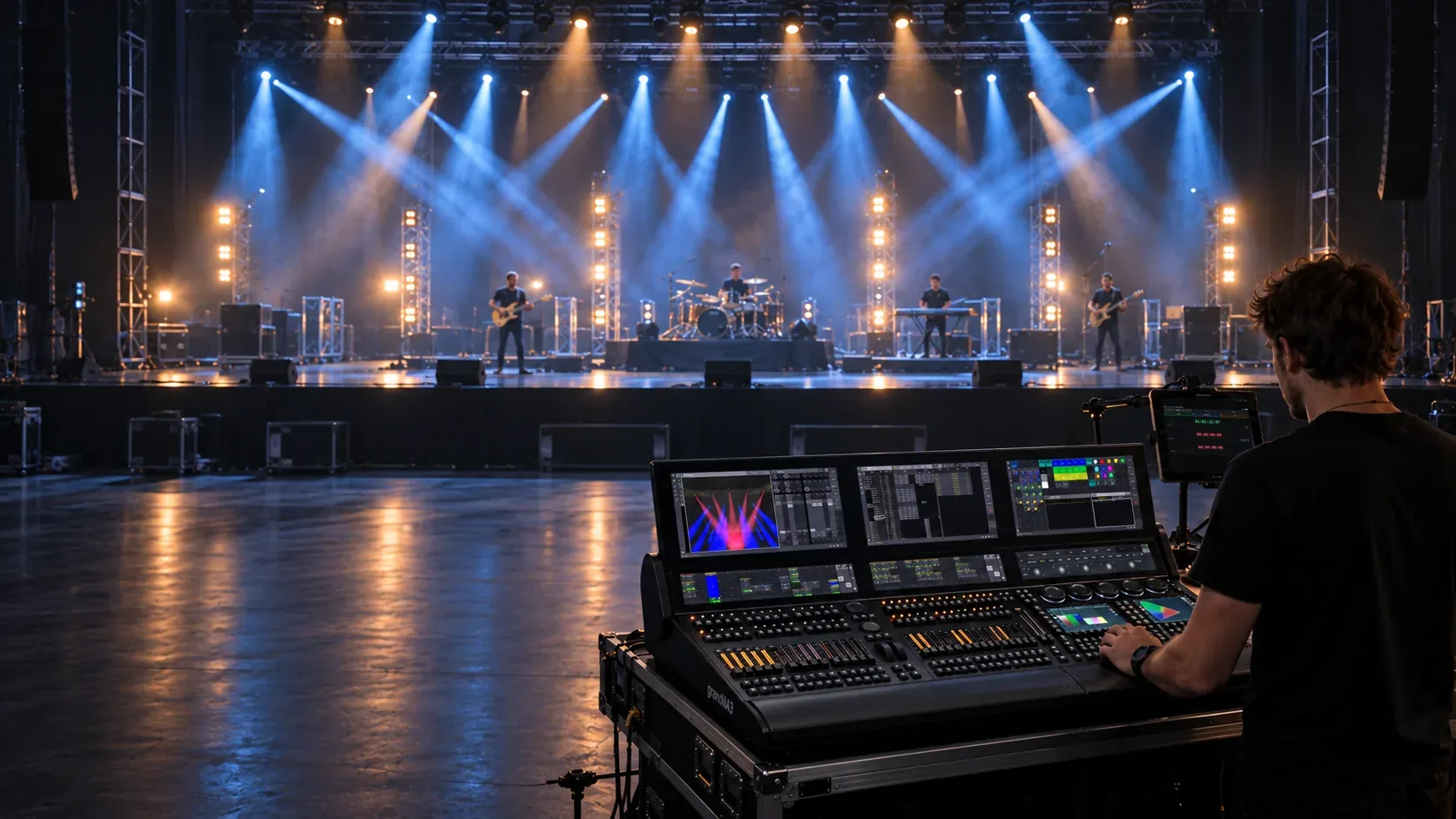
Record the rehearsal.
Program the show
to timecode.
Record a rehearsal on your iPhone or iPad, or load a prepared audio track. Play it back and send timecode to your lighting console — without moving the recording between apps.
For the full console workflow, use an external audio interface and an Ethernet connection to your console.
In the app
Your rehearsal reference and timecode tools.
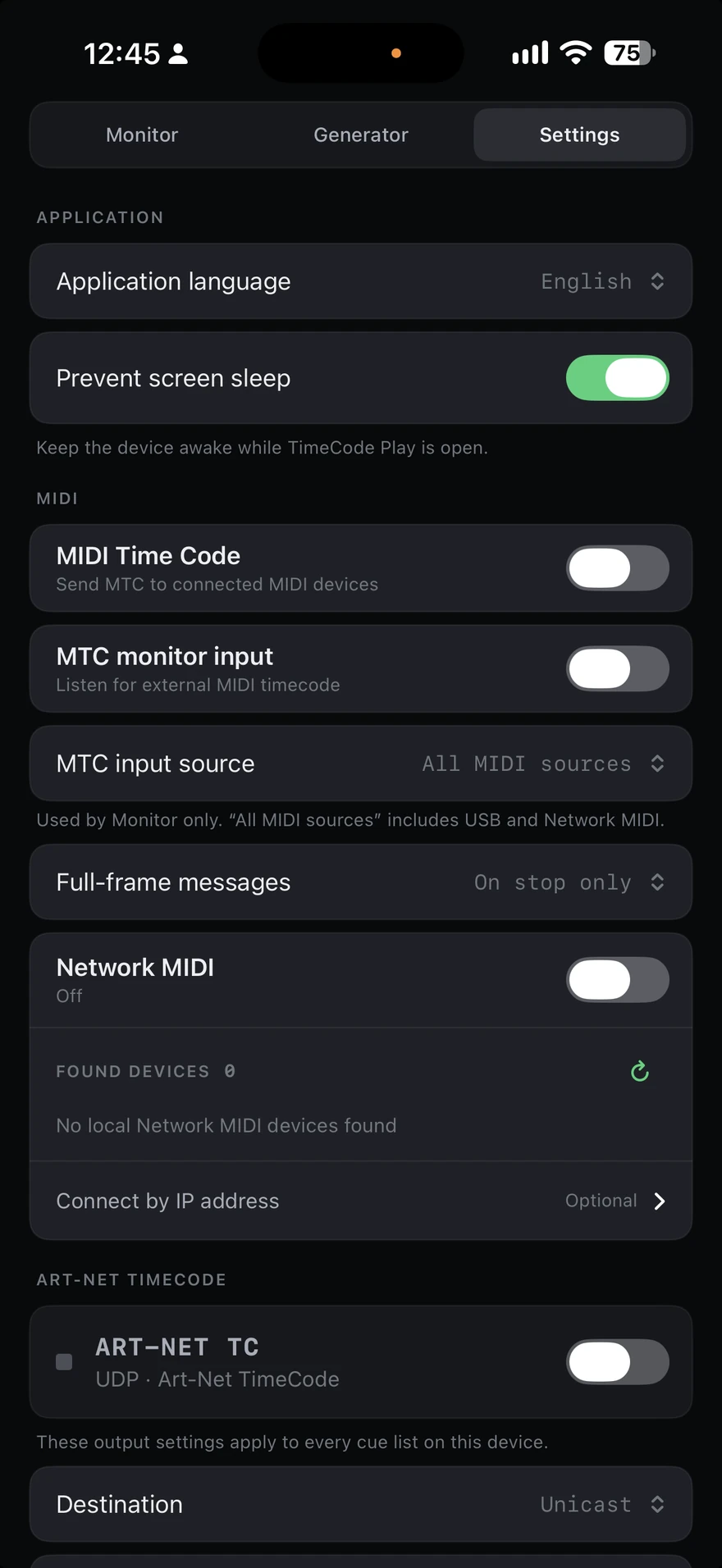
From rehearsal recording to console programming.
-
Video
Record the rehearsal
Capture a performance in the app and use the recording straight away as a reference while programming your console.
-
Audio
Use your prepared track
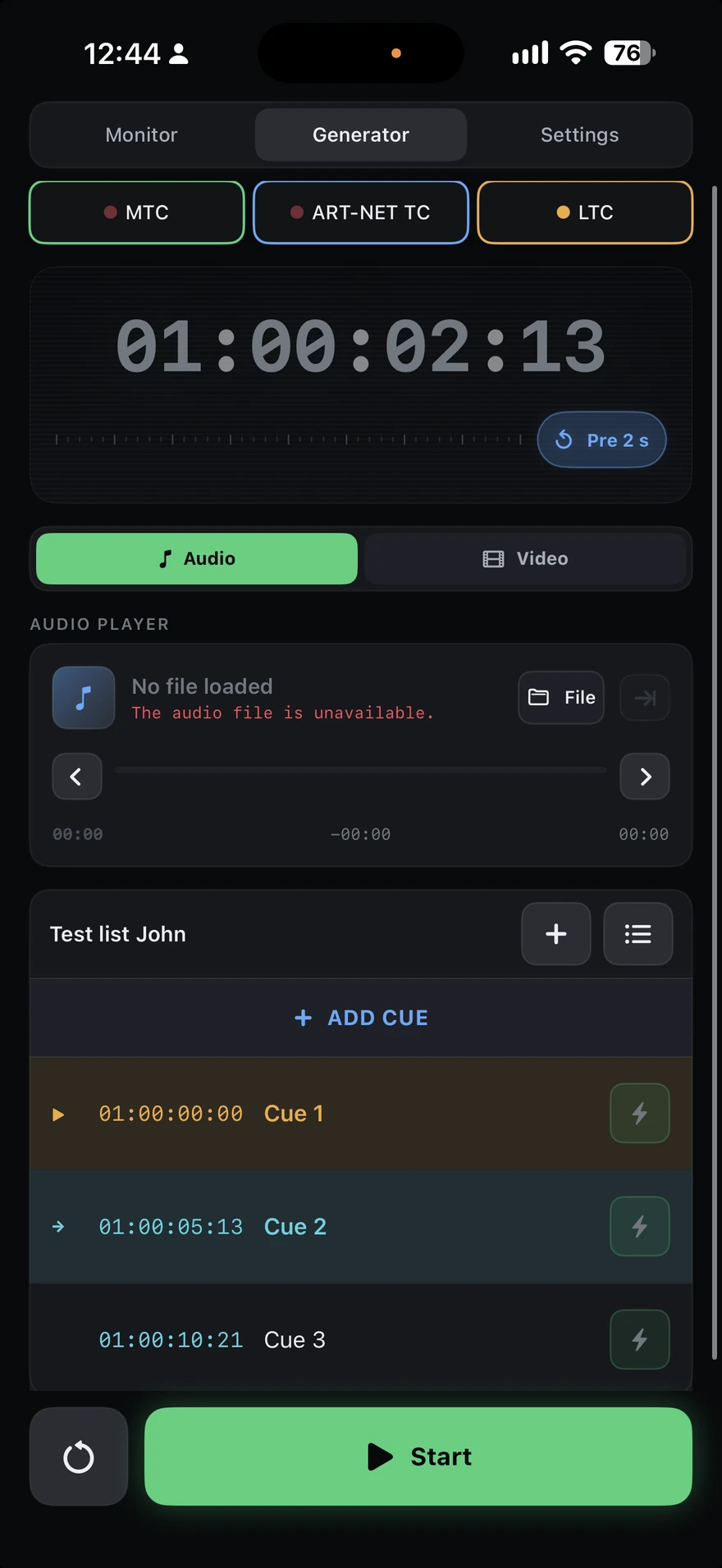
Load an audio track and rehearse lighting changes against the same playback timeline.
-
Timecode out
Send timecode to the console
Generate MTC, LTC or Art-Net TimeCode while playing your reference material.
-
Cues
Mark the moments that matter
Add and edit cues for musical accents, movements and transitions. Jump between cues while preparing the show.
-
OSC control
Control playback from your console
Use configured OSC controls to play, pause and move to the previous or next cue. Manual setup is required.
-
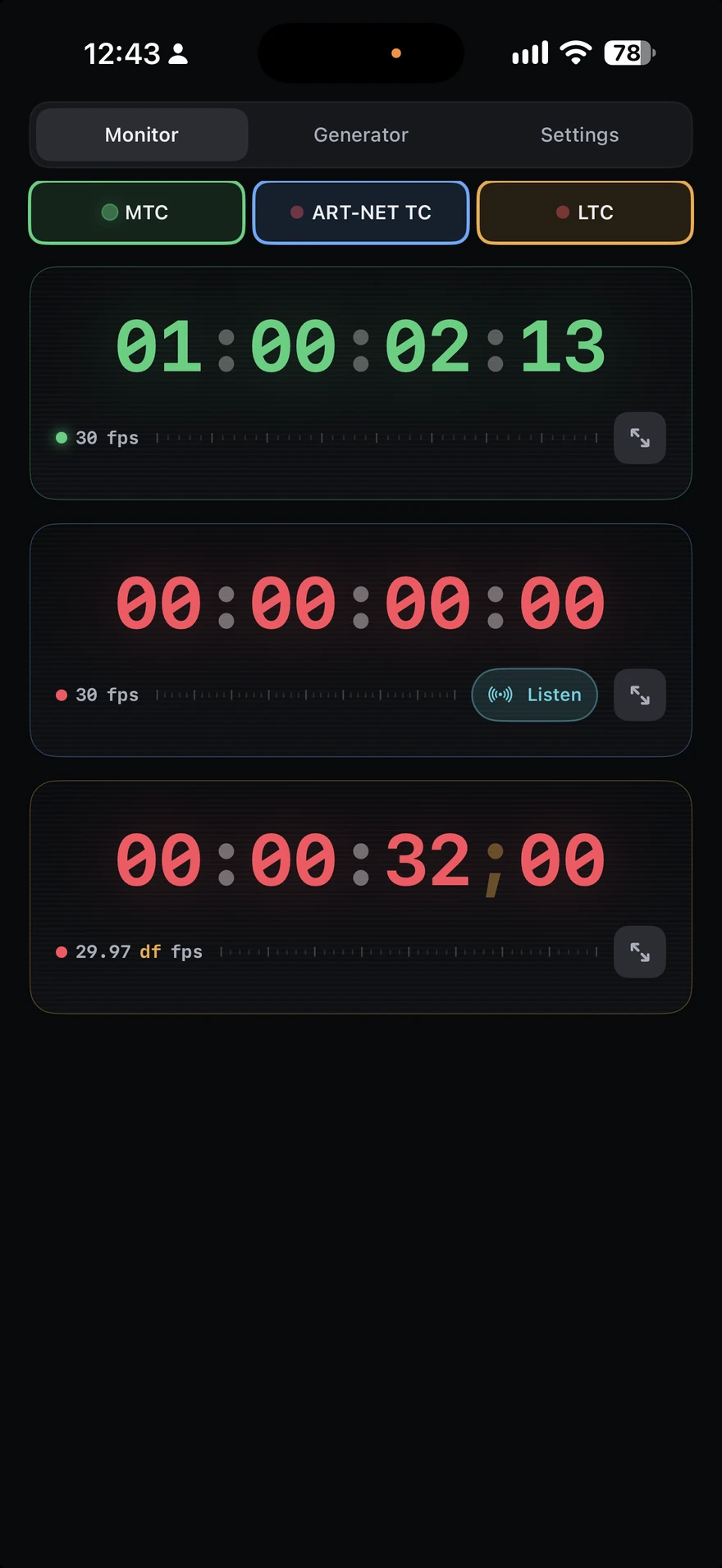
Timecode in
Check an external timecode source
Monitor incoming MTC, LTC and Art-Net TimeCode to check signal status, timecode values and frame rate.
Cue triggers can also send MIDI, OSC and Art-Net/DMX messages.
Requirements
- Devices
- iPhone and iPad
- System
- iOS 17 / iPadOS 17 or later
- Audio
- Compatible external audio interface
- Network
- Ethernet connection to the lighting console
The full console workflow requires an external audio interface and Ethernet. Available ports and channels depend on the connected equipment and the interfaces exposed by iOS/iPadOS.
One-time App Store purchase. No subscriptions or in-app purchases. No account required.
App languages: English, German, Spanish and Russian.
Help and support
-
Connection guide →
Set up your audio interface and Ethernet connection, load a reference and send timecode to your console.
-
Contact support →
Need help? Email [email protected] with your app version, device model and connection setup.
-
Privacy policy →
Read the privacy policy and find contact details for privacy questions.